
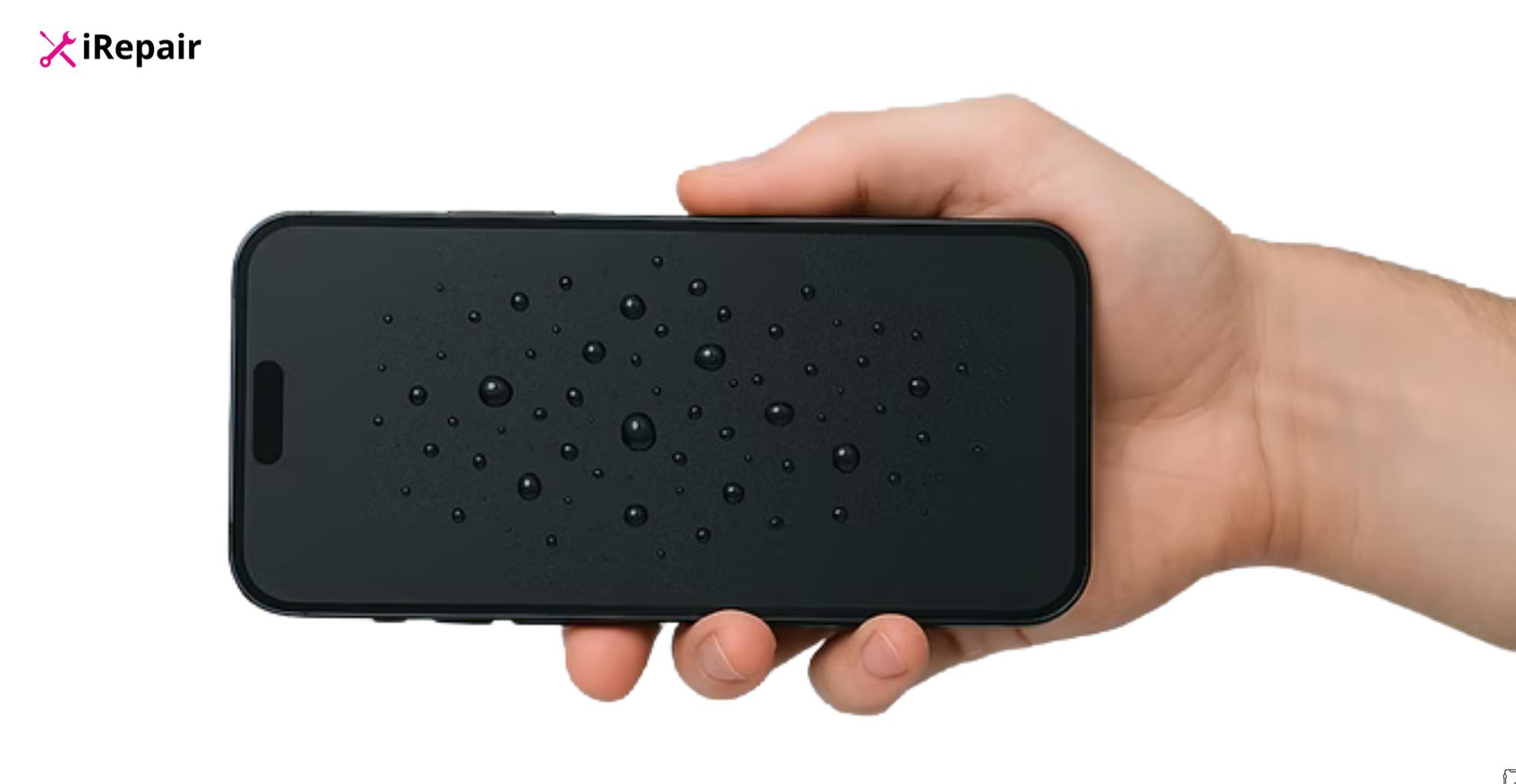
Water damage is one of the most common reasons phones stop working properly, and in many cases, it is completely preventable. In this guide, I will walk you through practical, real-world ways to protect your device from liquid damage, based on hands-on repair experience at iRepair Mobiles Basingstoke.
We will cover everyday risks, smart habits, waterproof phone tips, protective case options, common myths like the rice trick, and what to do when accidents happen. You will also learn how environment awareness and small precautions can save you from expensive repairs or data loss. This article is written to help you genuinely safeguard your mobile phone, not just rely on marketing claims.
Table of Contents
How to Prevent Water Damage on Your Phone
If there is one issue I see almost daily in our repair shop, it is liquid exposure. Phones dropped in sinks, used in the rain, taken into bathrooms, or placed near drinks that eventually spill. Most customers say the same thing: “I didn’t think it would be a problem.”
Water damage does not always kill a phone instantly. Sometimes it slowly seeps into inlets, causing corrosion on the motherboard weeks later. That is why prevention matters far more than repair. As a certified expert who has opened hundreds of liquid-damaged devices, I can confidently say that avoiding damage is much easier than fixing it.
Understanding why water damage is so common
Modern smartphones look sealed and solid, which gives a false sense of security. While many newest phones claim water resistance, they are not waterproof in real-life conditions.
Water enters phones through:
- Charging ports
- Speaker grills
- Microphone holes
- SIM tray gaps
- Cracked screens or worn seals
Once inside, moisture reacts with metal internal components and creates corrosion. This corrosion spreads quietly and damages connectors, chips, and batteries.
Water resistance vs real protection
Here is a simple comparison to clear up confusion:
| Feature | Water-Resistant Phone | Proper Water Protection |
| Factory seals | Yes (limited lifespan) | Protective barrier |
| Safe in rain | Sometimes | Yes |
| Safe for swimming | No | Only with waterproof case |
| Protection after drops | Reduced | Maintained if sealed |
| Long-term reliability | Decreases over time | More consistent |
Water resistance wears off as the phone ages, especially after drops or repairs.
Everyday habits that help prevent water damage on phone
Most water damage happens during normal daily routines, not extreme situations. Small habit changes make a big difference, especially during warmer weather when people are near pools or the beach.
I personally never place my phone:
- On the edge of a sink
- Next to drinks on a table
- In the bathroom while showering (humidity and water vapor harm internal parts)
- In pockets during heavy rain
Steam is just as dangerous as liquid. Bathrooms are one of the worst environments for mobile devices.
Waterproof phone tips that actually work
Some tips sound basic, but they work because they address real entry points for moisture.
Simple but effective practices
- Always dry your hands before using your device.
- Keep charging ports clean and dry.
- Avoid using the phone while charging near liquids.
- Remove your phone case regularly to check for trapped moisture.
I have seen phones repair cases where moisture stayed trapped inside a protective case for days, leading to a short circuit.
Choosing the right phone case for water protection
Not all cases offer real phone protection from water. Many only protect against drops.
| Case Type | Water Protection Level | Best Use |
| Silicone case | Very low | Drop protection only |
| Hybrid case | Low | Everyday use |
| Sealed waterproof case | High | Travel, rain, outdoor work |
| Pouch-style waterproof bag | Very high | Beach, boating, swimming |
If you work outdoors or travel frequently, invest in a sealed waterproof case or a floating waterproof pouch (like CaliCase or JOTO) to keep your device afloat and protected.
Be careful with “waterproof” claims
One mistake I see often is people trusting old IP ratings. Water resistance is tested in controlled conditions, not real life.
Things that reduce water resistance:
- Screen replacement
- Back glass cracks
- Drops and impacts
- Heat exposure
- Aging adhesive seals
If your phone has been repaired before, assume the waterproof seal is gone.
How environment affects phone protection from water
Environmental factors matter more than people think. High-risk environments include construction sites, kitchens, and gyms. Saltwater is especially dangerous as salt accelerates corrosion, and sand damages seals.
What to do immediately if your phone gets wet
Even with precautions, accidents happen. Fast action can reduce damage. If your phone takes a plunge or a dive into the loo, follow these steps:
- Power off the device immediately.
- Remove the case, SIM card, and microSD card.
- Dab the exterior dry with a lint-free cloth or paper towel. Avoid rubbing aggressively.
- Gently use compressed air to blow away excess fluid from open ports.
- Leave the phone to air dry in a cool, dry place with the ports facing down.
Avoid rice. It is a myth; rice does not absorb internal moisture effectively and can introduce dust or dry starch into crevices. Instead, use silica gel packets.
How can you tell if your phone has water damage
Look for the visual presence of evaporation or foggy lenses. Check the Liquid Damage Indicator (LDI) or LCI usually found in the SIM tray slot or battery compartment; it will turn red or maroon if wet.
Can you blow-dry a water-damaged phone
Blow-drying is not recommended. High heat can melt internal components and cause irreparable damage.
Does Asurion cover water damage
Most manufacturer’s warranties (like Apple or Samsung) don’t cover liquid damage. However, a smartphone insurance policy from providers like usually includes accidental damage cover.
Why professional inspection matters
Water damage is not always obvious. A phone may work fine initially and suffer delayed failure later. At iRepair Mobiles Basingstoke, we use professional-grade ultrasonic cleaning machines and moisture detection tools to fix issues before they spread. Early inspection often saves customers from motherboard replacement.
Cost comparison: prevention vs repair
| Scenario | Average Cost |
| Waterproof case | Low |
| Moisture inspection | Low |
| Charging port repair | Medium |
| Screen replacement due to water | High |
| Motherboard repair | Very high |
In Summary
If you have dropped your beloved smartphone, don’t panic. Prevention is always better than a repair bill. By investing in a waterproof case, staying mindful of your surroundings, and regularly backing up data, you can prolong the lifespan of your device.
If you need same-day expert repair services, visit iRepair Mobiles Basingstoke – the Best Mobile Phone & Laptop Repair Shop in Basingstoke. Book a repair or start a claim today to get your phone back in running condition.